Why is an addon domain connected to a subdomain?
- cPanel Question
- 2,377 views
- Aelswith E.

The process of adding an addon domain involves the creation of the corresponding subdomain. In terms of Apache VirtualHost entries, an addon is a parked domain on that subdomain.
There is no way to add an addon without a subdomain being created, this is the fundamental principle of cPanel architecture. Nevertheless, it is a common desire to make the links – addon.maindomain.com and maindomain.com/addon unavailable.
There are two ways to achieve this:
1. Redirect both links to a Not Found page using .htaccess which is to be placed into the addon domain web root directory:
RewriteEngine On
RewriteCond %{HTTP_HOST} addon.maindomain.com$
RewriteRule ^(.*)$ “http://maindomain.com/404” [R=301,L]
Make sure to update addon and main domain names correspondingly.
2. Point subdomains addon.maindomain.com and www.addon.maindomain.com to a non-working IP address, e.g., localhost (loopback address) 127.0.0.1 or just remove these DNS entries. It can be done in your cPanel account in the following way:
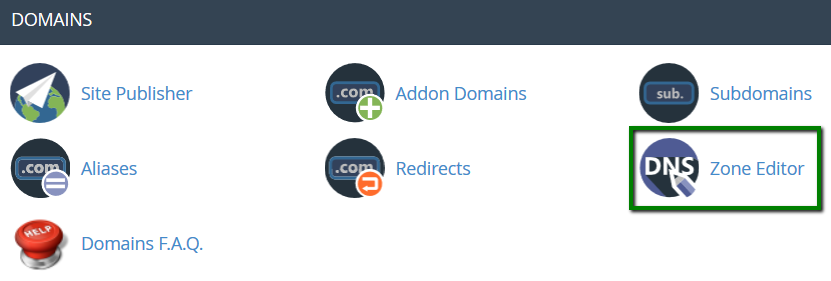
Go to your cPanel account > Domains section > Zone Editor menu:
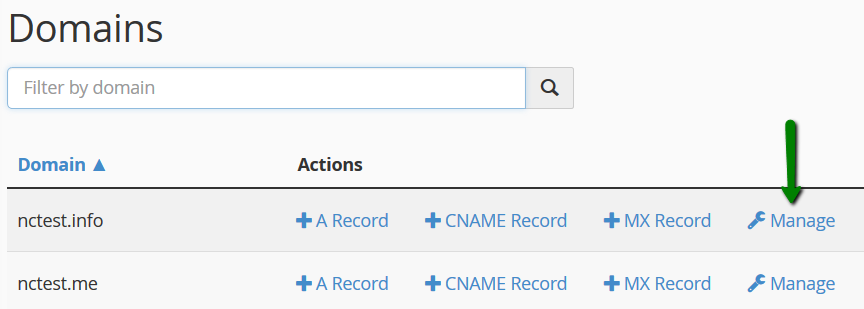
Click Manage next to the main domain name:
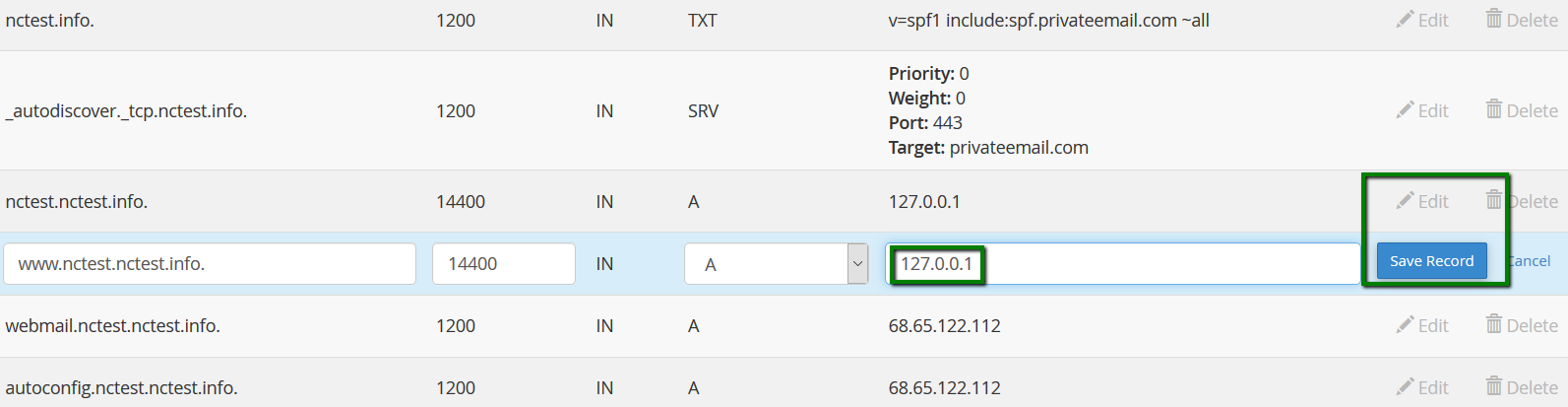
Find A records for the subdomain in the list.
You can delete these 2 DNS records or edit them by clicking the Edit button. Then, Save Record:
That’s it!